Scan once. Know instantly.
Reading ingredient lists shouldn't require a biochemistry degree. E471 might be plant-based or animal-derived — and you shouldn't have to look it up every time. VeganLens does the work: scan any barcode, and get a clear verdict in under a second.
A local database of 146 classified ingredients — covering dairy, eggs, gelatin, meat derivatives, fish, honey, ambiguous E-codes, and 85+ plant-based entries — runs entirely offline. When a product has unlisted or novel ingredients, Gemini AI fills in the gaps. Your verdict is always backed by a full per-ingredient breakdown, so you can see exactly why the decision was made.
Capabilities.
Instant barcode scanning
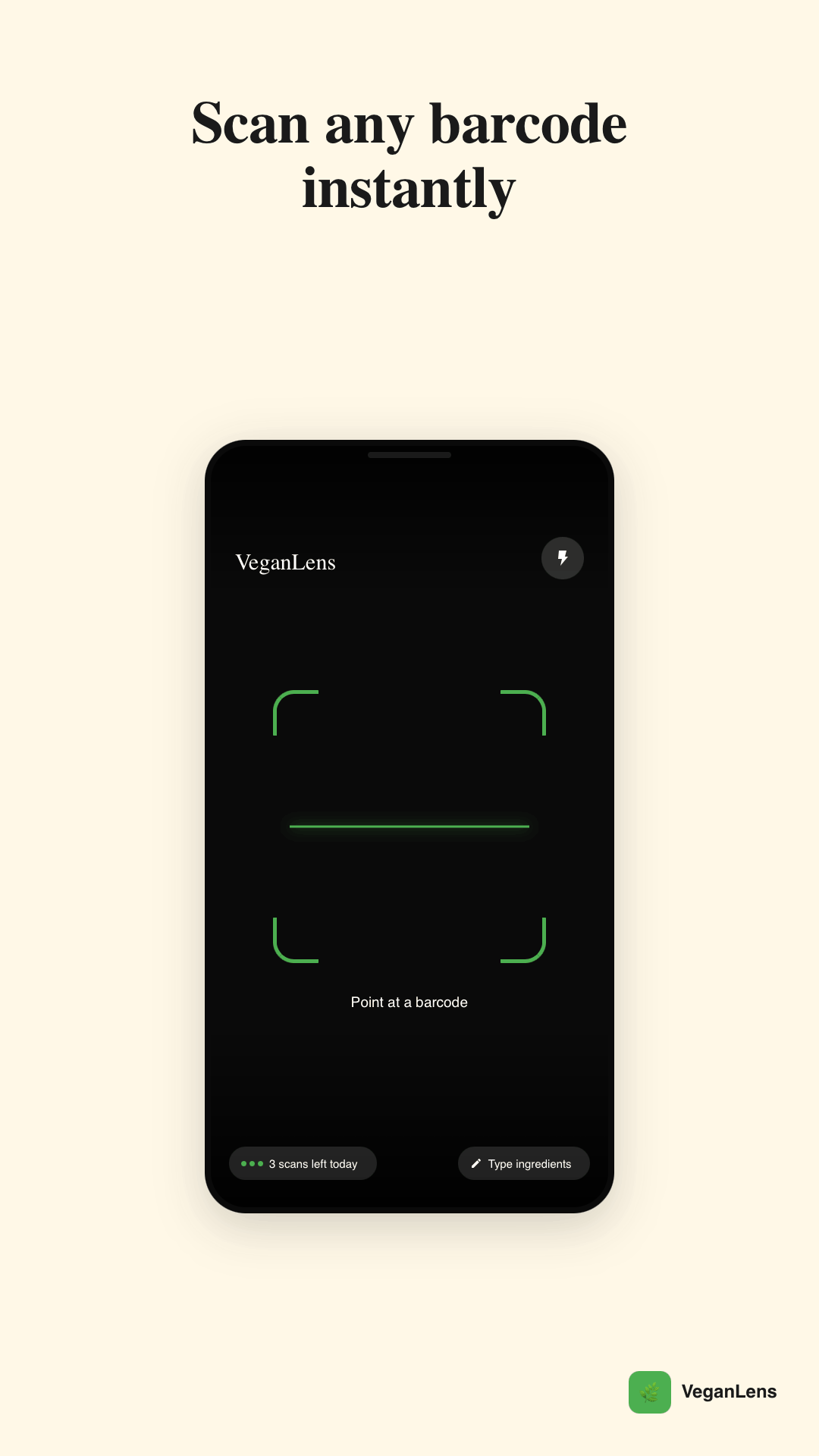
Point the camera at any barcode — EAN-13, UPC-A, and more. VeganLens pulls the product from Open Food Facts, classifies every ingredient locally, and shows a verdict in under a second. The camera pauses when you background the app and wakes instantly when you return.
Full ingredient breakdown
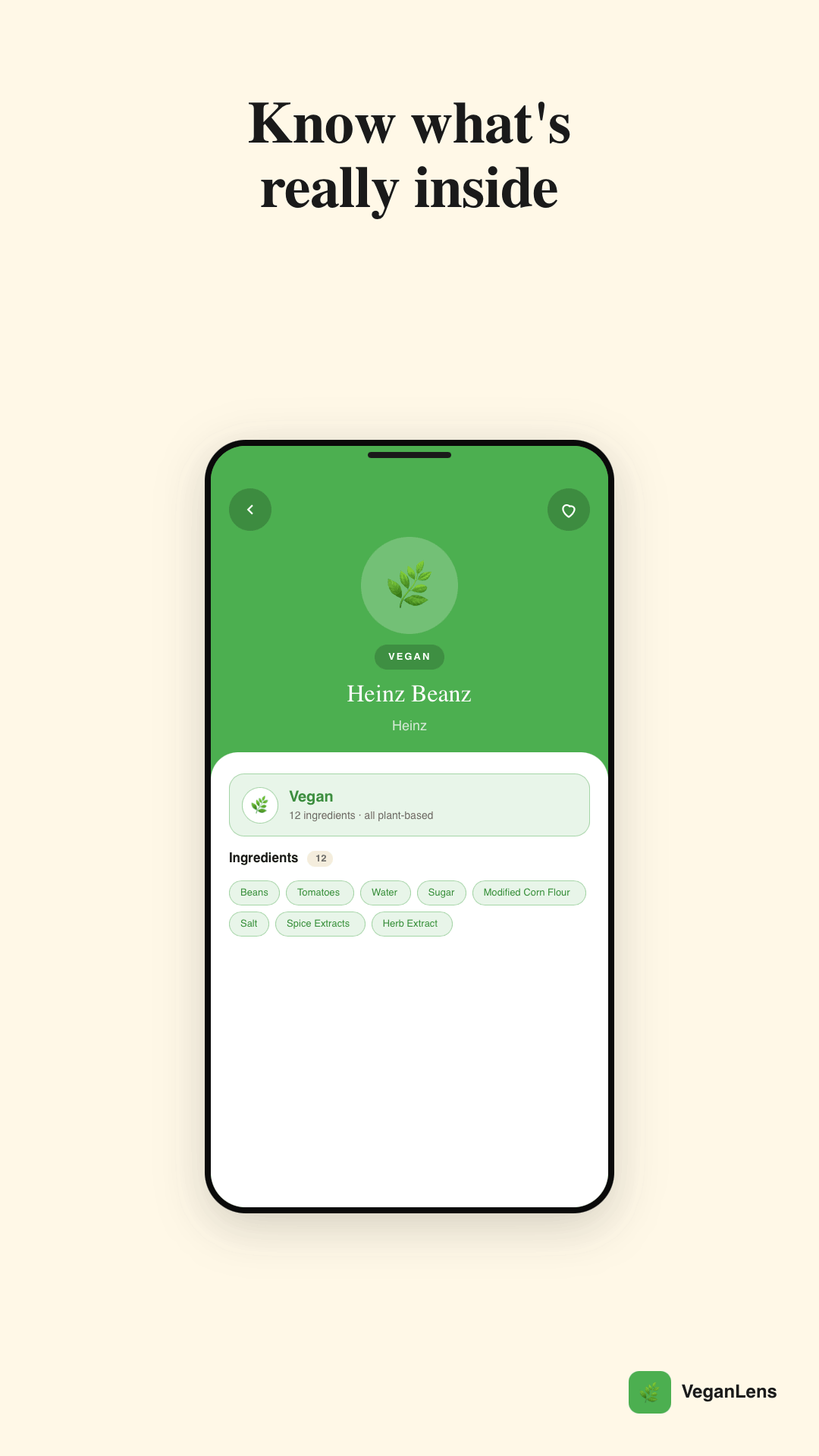
Tap any ingredient chip to open a detail sheet showing its category (animal-derived, plant-based, ambiguous), known aliases, and the source of the classification — local database or Gemini AI. No black boxes; every verdict is explainable.
Gemini AI fallback
When an ingredient isn't in the local database, VeganLens batches unknown tokens and queries Gemini Flash 2.0. Results are cached locally — the same ingredient is never queried twice. Gemini errors gracefully degrade; your scan never crashes.
Diet modes
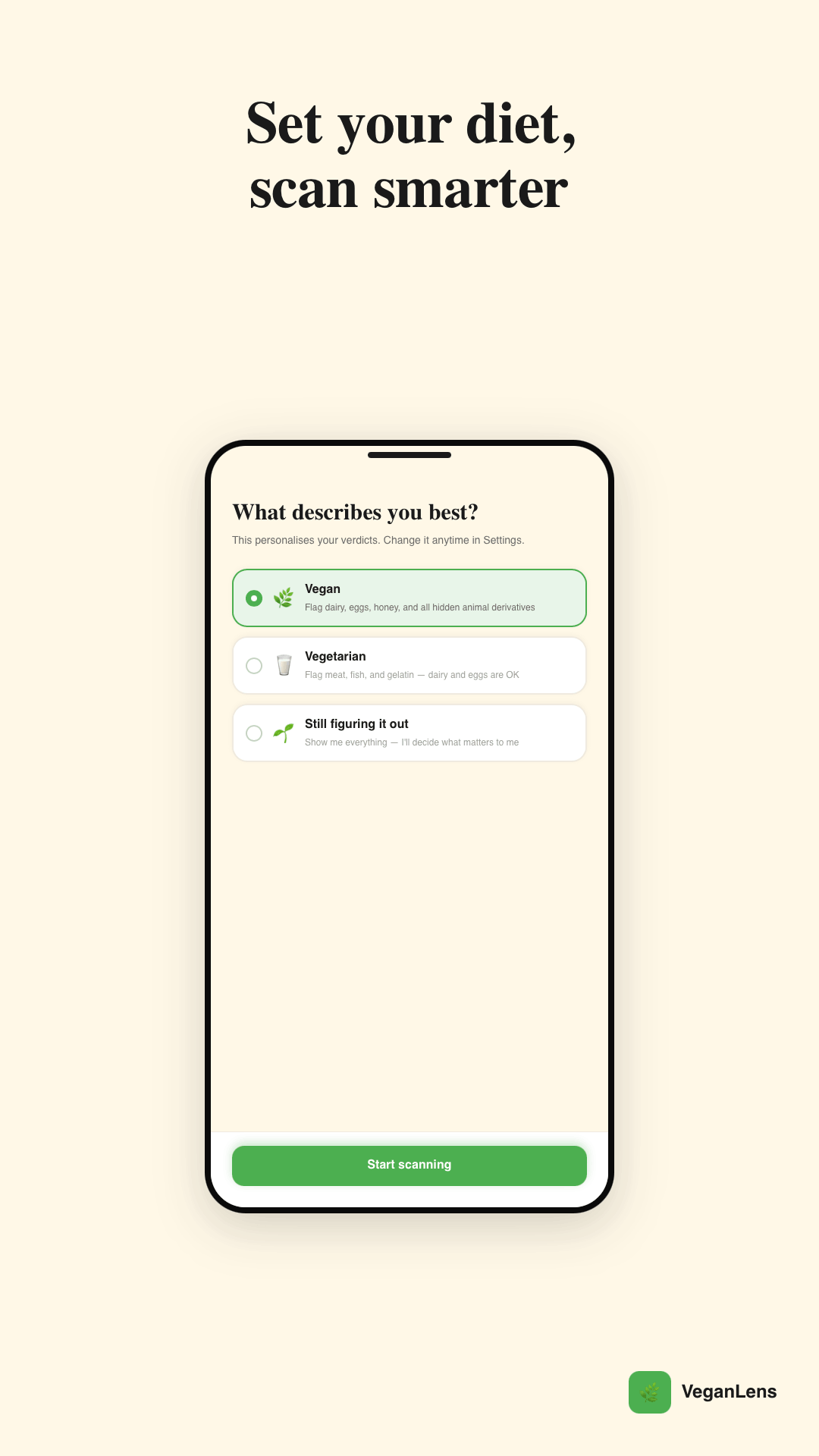
Set your diet — Vegan, Vegetarian, or Exploring — and the verdict is tailored to your standard. A vegetarian diet accepts dairy and eggs; Exploring shows all classifications without judgment. You can change diet mode at any time from Settings.
Scan history & favorites
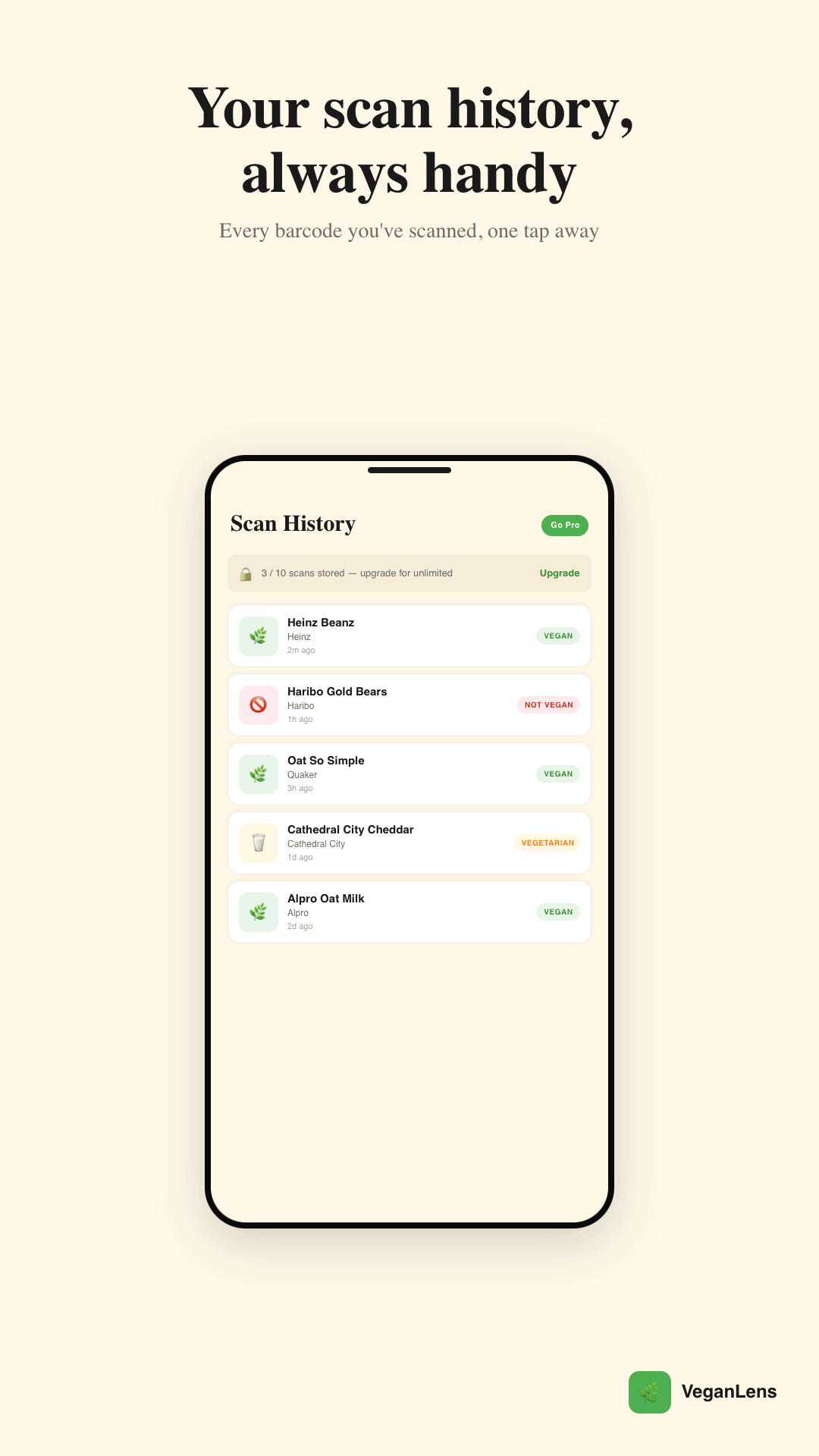
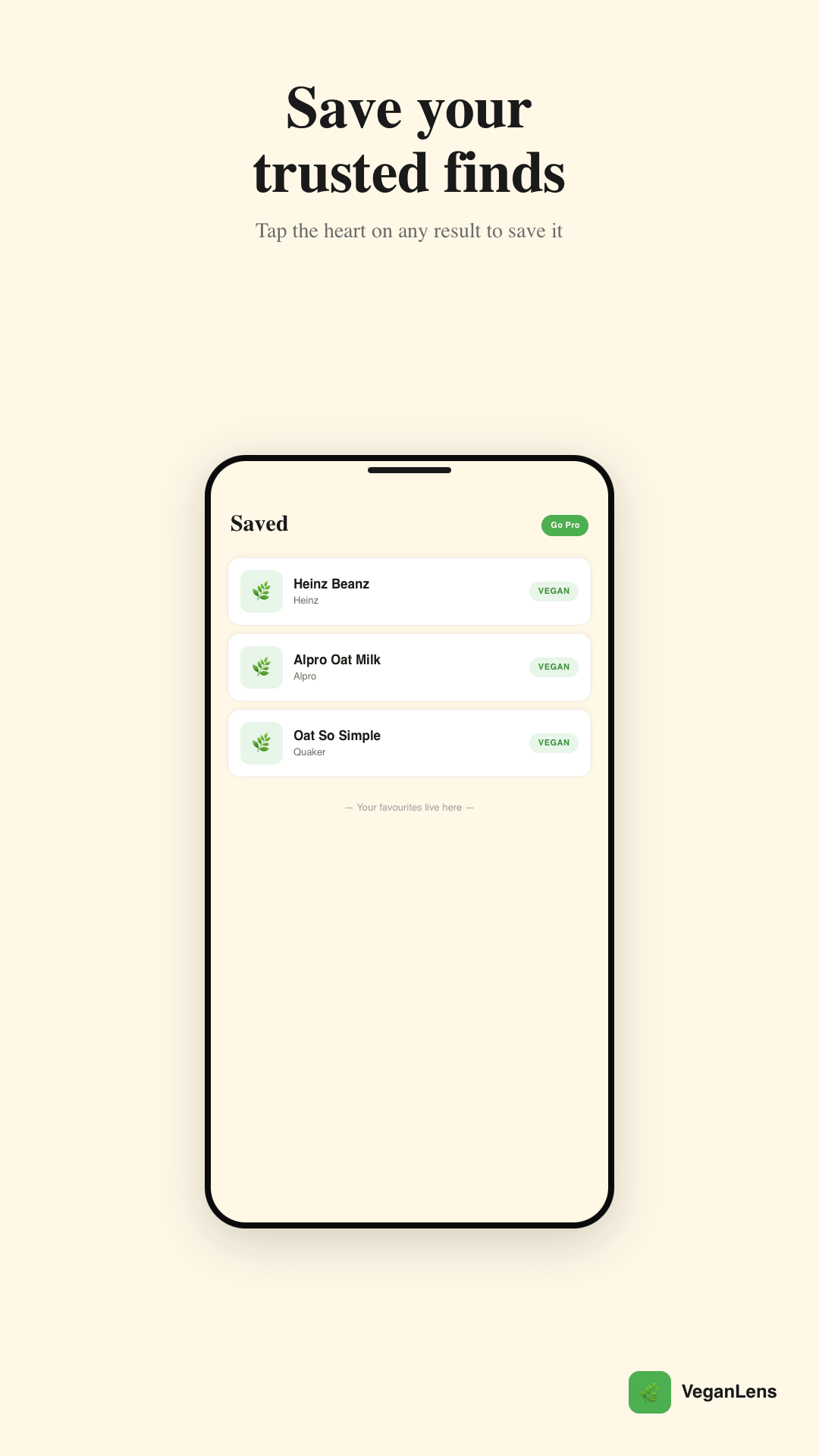
Every scan is saved automatically so you can revisit previous verdicts without scanning again. Favourite a product to pin it for quick access — useful for staples you buy every week. Both lists survive app restarts and work offline.
Manual ingredient entry
No barcode? No problem. Paste the ingredient list from any source — a website, a photo, a PDF — and VeganLens classifies it the same way a barcode scan would. Useful for restaurant menus, recipes, and products not yet in the Open Food Facts database.
Pricing.
Frequently asked.
Does VeganLens work without internet?
Yes — the core classification engine is entirely offline. The local database of 146 ingredients, plus the full ingredient breakdown UI, work without a network connection. Open Food Facts lookups require internet, but products you've already scanned are cached locally and available offline. The Gemini AI fallback also requires internet and is only triggered for unlisted ingredients.
How accurate is the verdict?
VeganLens classifies ingredients from the Open Food Facts database — the world's largest open food product database, with over 3 million products. The local ingredient database covers 146 entries including common animal derivatives, ambiguous E-codes, and plant-based ingredients. Unlisted ingredients are queried via Gemini AI. The app shows exactly which ingredients triggered the verdict so you can judge for yourself.
What counts as a "scan" in the free tier?
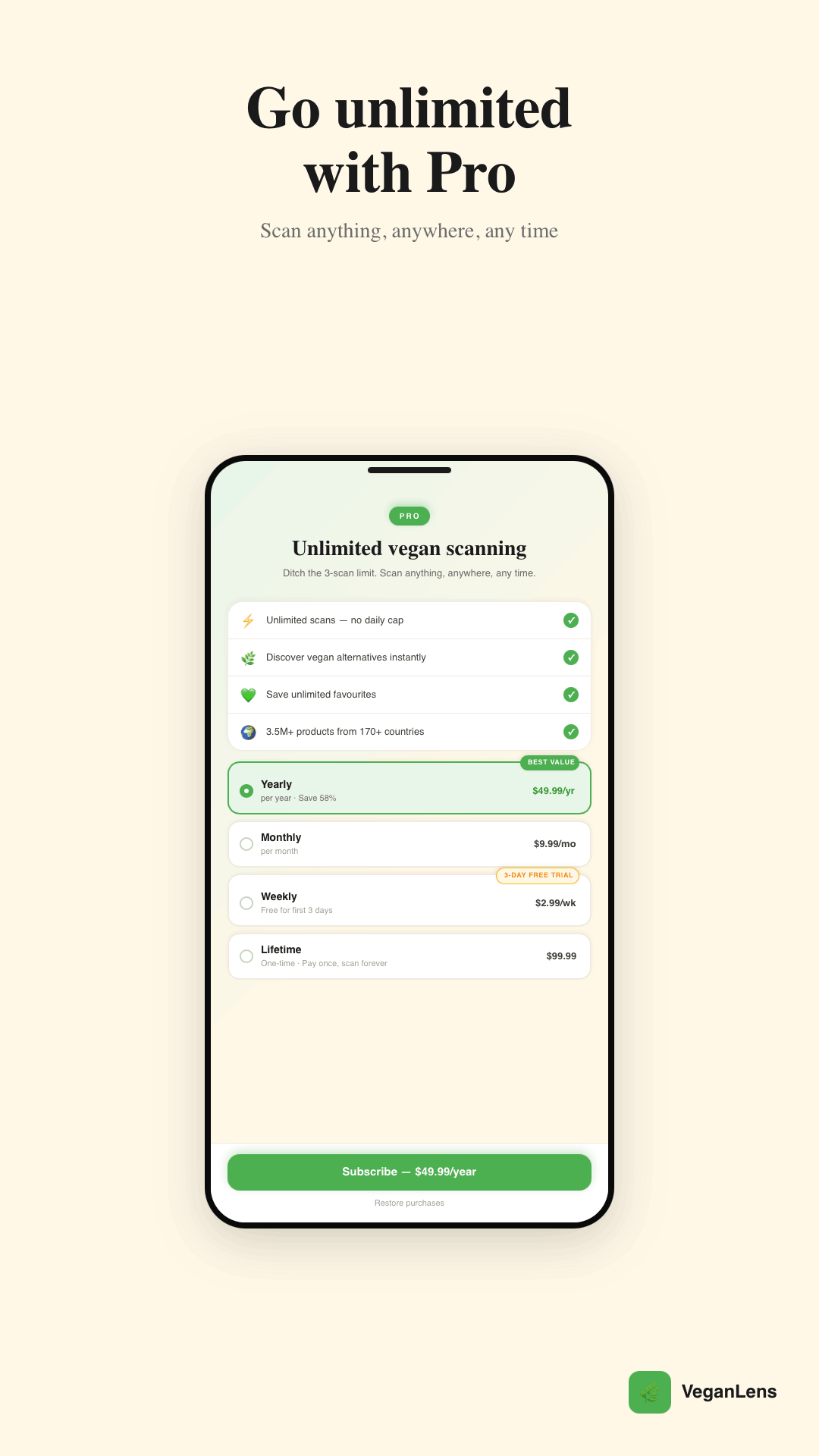
Any barcode scan or manual ingredient entry that produces a verdict counts as one scan. The quota resets at midnight local time. If you've used your 3 free scans, you can still view previously scanned products from your history without using a scan.
Does VeganLens support iOS?
VeganLens is currently Android-only. An iOS version is planned post-launch — follow us or check back here for updates.
Where does the product data come from?
Product names, brands, images, and ingredient lists are fetched from the Open Food Facts database, licensed under CC BY-SA 4.0. The classification logic — determining which ingredients are vegan, vegetarian, or animal-derived — is Deployd's own.